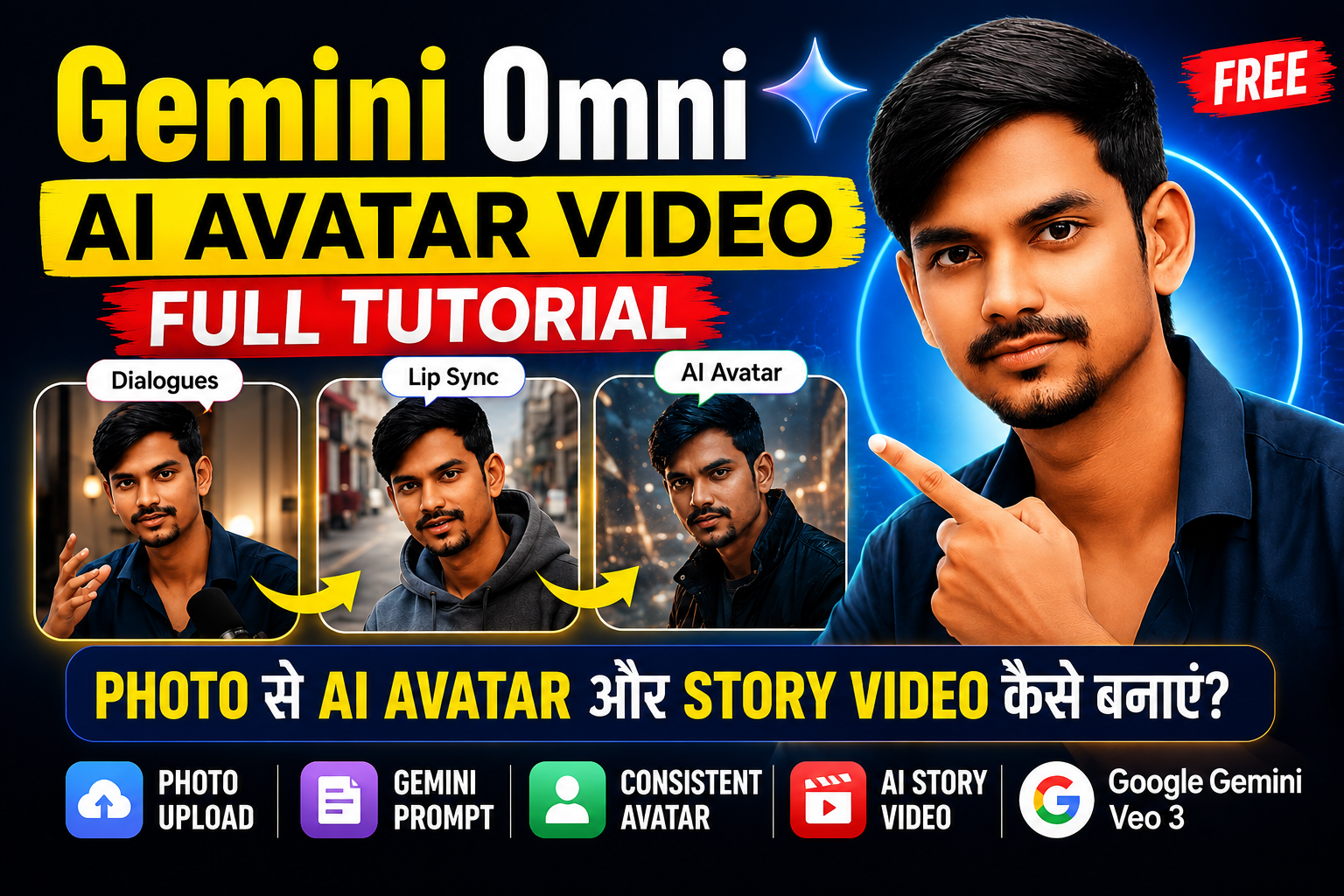
अगर आपने पिछले कुछ महीनों में YouTube, Instagram या Facebook पर AI Avatar वाले वीडियो देखे हैं, तो आपने जरूर सोचा होगा कि आखिर ये वीडियो बनते कैसे हैं। अच्छी बात यह है कि अब आपको किसी महंगे कैमरे, स्टूडियो या वीडियो एडिटर की जरूरत नहीं है। सिर्फ एक फोटो और सही Prompt की मदद से Gemini AI आपके चेहरे और बॉडी स्ट्रक्चर के साथ एक Realistic AI Avatar तैयार कर सकता है।
इस ब्लॉग में मैं आपको बिल्कुल उसी तरीके से समझाऊँगा, जैसे मैं किसी नए Content Creator को सिखाता हूँ। हम शुरुआत से लेकर Story Video बनाने तक पूरा प्रोसेस देखेंगे। साथ ही आपको ऐसे Sample Prompts भी मिलेंगे जिन्हें आप सीधे Gemini में इस्तेमाल कर सकते हैं।
AI Avatar क्या होता है?
AI Avatar एक ऐसा डिजिटल कैरेक्टर होता है जो आपकी फोटो के आधार पर बनाया जाता है। इसमें आपका चेहरा, हेयरस्टाइल, स्किन टोन और बॉडी स्ट्रक्चर काफी हद तक एक जैसा रखा जा सकता है।
सबसे बड़ा फायदा यह है कि एक बार Avatar बन जाने के बाद आप उसी कैरेक्टर से अलग-अलग वीडियो, स्टोरी, एक्सप्लेनर कंटेंट और YouTube Shorts बना सकते हैं।
AI Video बनाने के लिए क्या-क्या चाहिए?
शुरू करने के लिए आपको सिर्फ ये चीजें चाहिए:
- आपकी एक अच्छी क्वालिटी की फोटो
- Gemini AI
- एक सही Prompt
- Story का आइडिया
बस इतना ही।
Step 1: सही फोटो चुनें
Gemini में फोटो अपलोड करने से पहले इस बात का ध्यान रखें कि फोटो क्लियर हो।
सबसे अच्छी फोटो में:
- चेहरा साफ दिखाई दे
- लाइटिंग अच्छी हो
- कैमरे की तरफ देखें
- पूरा Upper Body दिखाई दे
- फोटो ब्लर न हो
यही फोटो आपके AI Avatar की बेस बनेगी।
Step 2: Gemini को सही Prompt दें
यहीं पर ज्यादातर लोग गलती करते हैं। सिर्फ “मेरा Avatar बना दो” लिखने से अच्छे रिजल्ट नहीं मिलते।
आपको Gemini को यह बताना होगा कि वह आपकी फोटो से कौन-कौन सी चीजें इस्तेमाल करे।
Sample Prompt
Copy करके इस्तेमाल करें:
Create a highly realistic AI avatar using my uploaded image as the reference. Use my exact face, hairstyle, facial features, skin tone, and body structure from the uploaded photo. Keep my identity consistent across all scenes. Dress me in a modern casual creator outfit. Create a cinematic YouTube studio environment with professional lighting, microphone, and realistic camera quality. Maintain natural facial expressions, eye contact, and hand gestures.
इस Prompt का सबसे महत्वपूर्ण हिस्सा है:
- exact face
- body structure
- consistent across all scenes
यही चीज Avatar को हर वीडियो में एक जैसा रखने में मदद करती है।
Step 3: Consistent AI Character कैसे बनाएं?
अगर आप YouTube पर सीरीज बनाना चाहते हैं, तो हर वीडियो में आपका Avatar एक जैसा दिखना चाहिए।
इसके लिए Prompt में हमेशा ये लाइन जोड़ें:
Keep the same face, body structure, hairstyle, clothing style, and character identity throughout the video.
इससे Gemini हर Scene में उसी कैरेक्टर को बनाए रखने की कोशिश करता है।
Step 4: AI Story कैसे बनाएं?
अब सबसे मजेदार हिस्सा आता है।
मान लीजिए आप एक Storytelling चैनल बनाना चाहते हैं।
सबसे पहले Story का Structure लिखिए।
Story Framework
Intro
Hook
Problem
कहानी की शुरुआत
Journey
Main Story
Climax
सबसे बड़ा मोड़
Ending
Message या Conclusion
उदाहरण:
एक छोटे गाँव का लड़का AI सीखकर अपना YouTube चैनल बनाता है और धीरे-धीरे सफल Content Creator बन जाता है।
अब इसी आइडिया को Prompt में बदलते हैं।
Story Prompt कैसे लिखें?
यह एक Master Prompt है।
Create a cinematic story video using my uploaded image as the main character. Use my exact face and body structure consistently throughout the video. Show the journey of a small-town content creator who starts learning AI, creates an AI avatar, struggles in the beginning, improves with practice, and finally becomes a successful YouTube creator. Include emotional moments, cinematic lighting, realistic environments, and inspiring storytelling. Make the video visually engaging and suitable for YouTube.
यह Prompt एक पूरी कहानी तैयार करने के लिए बहुत अच्छा बेस देता है।
Step 5: वीडियो को तीन Parts में बनाएं
मैं हमेशा सलाह देता हूँ कि लंबी वीडियो को तीन हिस्सों में बनाएं।
Part 1 – Hook
इसमें Viewer को रोकना है।
Prompt Example:
Create a cinematic opening scene where my avatar introduces the topic in a professional YouTube studio.
Part 2 – Tutorial
Step by Step समझाना है।
Prompt Example:
Show my avatar explaining how to upload a photo, write prompts, and generate a consistent AI avatar.
Part 3 – Story + CTA
Story का End और Call to Action।
Prompt Example:
Show my avatar concluding the tutorial and encouraging viewers to create their own AI videos.
AI Prompt लिखने का आसान Formula
अगर आपको खुद Prompt लिखना है, तो यह Formula याद रखें।
Character + Environment + Camera + Action + Emotion + Quality
उदाहरण:
My realistic AI avatar in a cinematic YouTube studio, medium close-up shot, explaining AI avatar creation with confident expressions, professional lighting, 4K cinematic quality.
Beginners की सबसे बड़ी गलती
बहुत लंबे और उलझे हुए Prompt लिखना।
बेहतर है कि Prompt को छोटे हिस्सों में रखें।
गलत तरीका:
एक ही Prompt में पूरी फिल्म लिख देना।
सही तरीका:
- Character Prompt
- Scene Prompt
- Story Prompt
- Ending Prompt
इससे रिजल्ट ज्यादा कंट्रोल में रहता है।
YouTube के लिए AI Video कैसे तैयार करें?
जब Avatar और Story तैयार हो जाए, तब:
- Voice जोड़ें
- Background Music लगाएँ
- Subtitle जोड़ें
- Thumbnail बनाएं
- SEO Title और Description लिखें
यही प्रोसेस एक Professional AI YouTube Video तैयार करता है।
Final Master Prompt (सबसे उपयोगी Prompt)
Create a highly realistic cinematic AI avatar video using my uploaded image. Use my exact face, hairstyle, facial features, skin tone, and body structure. Keep my identity fully consistent throughout the video. Create a professional YouTube studio with cinematic lighting and realistic camera movement. Generate a three-part video: an engaging hook, a step-by-step AI avatar tutorial, and an inspiring story showing how AI can be used for YouTube content creation. Include natural lip sync, eye contact, hand gestures, and 4K cinematic quality.
इसे आप अपनी जरूरत के हिसाब से बदल सकते हैं।
निष्कर्ष
AI Video बनाना पहले जितना मुश्किल नहीं रहा। सही फोटो, सही Prompt और एक अच्छी Story के साथ आप भी ऐसे वीडियो बना सकते हैं जो YouTube पर प्रोफेशनल लगें।
अगर आप Content Creator हैं, तो मेरा सुझाव है कि पहले Consistent Avatar बनाइए, फिर उसी Avatar के साथ Storytelling शुरू कीजिए। यही तरीका लंबे समय में सबसे ज्यादा काम आता है।